


Login
How to Track Your Order
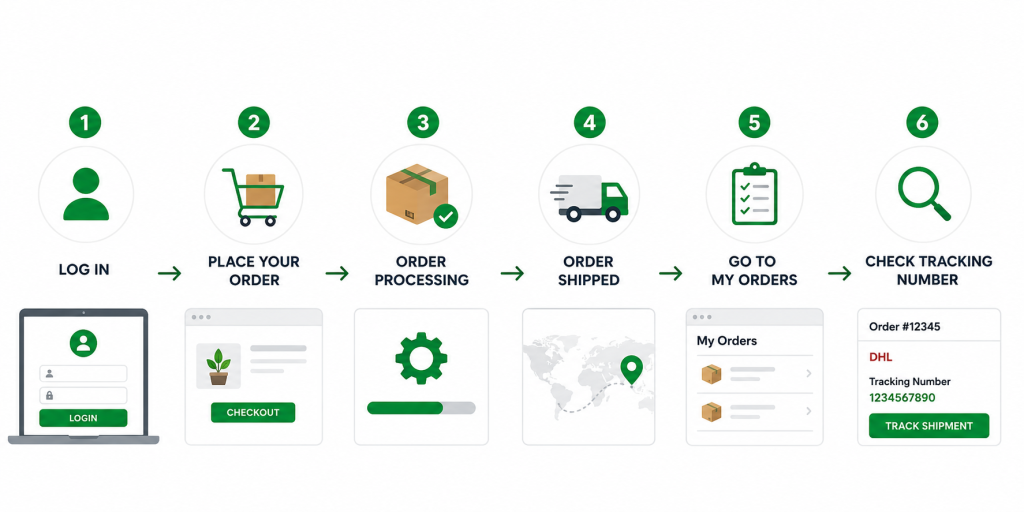
Follow these simple steps to check your order status and tracking information.
1. Log in to your account
Click Login and sign in using the email address and password you used when placing your order.
2. Place your order
After selecting your products, complete the checkout process and place your order.
You can view your order information in your account after checkout.
3. Order processing
Our team will process and prepare your order for shipment.
While your order is being prepared, tracking information may not be available yet.
4. Order shipped
Once your order has been shipped, we will update your order with:
Shipping Carrier
Tracking Number
For example:
Shipping Carrier: DHL
Tracking Number: 1234567890
5. Go to My Orders
Log in to your account and select My Orders from the account menu.
You will see your previous and current orders.
6. Check your Tracking Number
Find the order you want to track.
Your tracking information will be displayed for that specific order.
Click Track Shipment to check the latest shipping status with the carrier.
Order Tracking Flow
Login → Place Order → Order Processing → Order Shipped → My Orders → Check Tracking Number → Track Shipment
Important
Tracking information will only appear after your order has been shipped and the tracking number has been added to your order.
If tracking information is not available yet, please allow additional time for your order to be processed and shipped.
Need help with your order?
Please contact Biotech Academy via WhatsApp or email and provide your Order Number.